Best Children's Book Illustration Software
Looking for the best children's book illustration software? What's best for you? Compare top tools for style, workflow, print quality, and publishing needs.
CHILDREN'S BOOK ILLUSTRATOR FOR INDEPENDENT AUTHORSHUMAN ILLUSTRATORCHILDREN´S BOOK ARTISTCHILDREN'S BOOK ILLUSTRATION SERVICESBEST CHILDREN'S BOOK ILLUSTRATORS 2026DIGITAL ART VERSUS TRADITIONAL ILLUSTRATIONBEST CHILDREN'S BOOK ILLUSTRATION SOFTWARE
By Alcaminhante
6/1/202611 min read
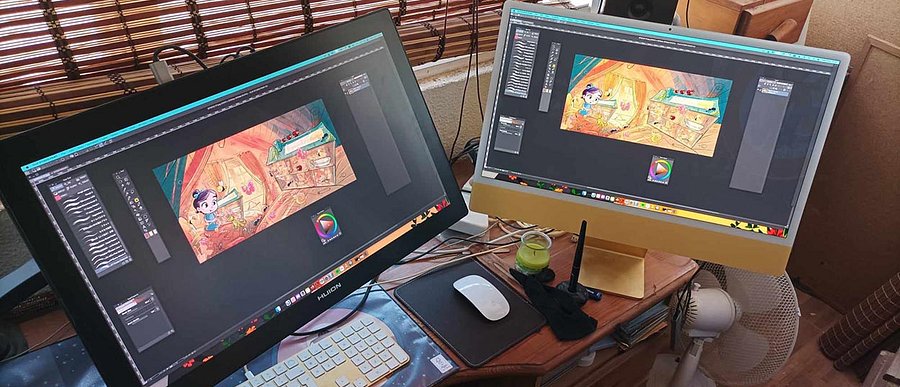
But...Is it the best for you?
Browsing through many children´s book groups online, one of the most asked questions I see out there is not only "What are the Best Children's Book Illustration Softwares? " but "What are the best FREE illustration software?"
In my opinion, the question shouldn´t be what is the best out there, but what is the best software for you.
This is because, in my experience as an illustrator at ICreateWorlds.net since I migrated into digital around the year 2005, I found something peculiar. I tried and failed for months to transition from traditional to digital painting myself, and I almost quit at one point, thinking digital painting was never going to be for me. All because I started with the wrong painting software for me. I tried to start with Photoshop at the time, and for several reasons I will explain in another article, I kept failing.
Then, when I was about to quit, I got ArtRage, and that changed my life. Not because it´s the best software out there ( although among the best ), but because for a beginner in digital back then it was simple enough for me to dive right into creation without having to take a NASA course in techniques or detailed software options.
It worked for me, and for that reason, ArtRage is still one of the first painting programs I totally recommend to anyone just starting out. I have a lot to say about this later, but for now, let's just say it´s got my recommendation to all illustrator newbies out there who want to buy a really good painting program to start their digital journey.
Over the years, I changed to other software (for no particular reason, actually), and I noticed something in my artwork. Sometimes, a terrible drawing I did in Photoshop under a lot of stress to get it right and a super time-consuming process, in other painting software, the result came almost instantaneously without any effort. And that was not just because of my lack of technique, but also because of how the painting tools in each piece of software worked to help me achieve a more satisfactory result.
The wrong painting tool can ruin your creative experience and make you feel you can´t draw when you actually can. Particularly when you are starting. For example, my line work is terrible if I try to use Photoshop to draw, but I can do it really nicely in ClipStudio ( although I don´t like my brush style for line art still ). Procreate is great for me for both line art and painting, probably because of its wide range of brushes.
So in my opinion, the question you should be asking is not, what is the best painting software, but what is the best painting software for you and for your creative style or technique.
A charming character sketch can look perfect on your screen and still fall apart when it is time to build a full picture book. That is why choosing the best (right) children's book illustration software is less about hype and more about how the tool supports storytelling, print quality, revision cycles, and your own drawing habits.
For authors and publishers, software choice affects more than the artist's comfort. It shapes brush texture, colour consistency, page layout, file delivery, and the efficiency with which a visual world can move from thumbnails to finished spreads. If you are hiring an illustrator, this may seem like a technical detail. In practice, it often affects deadlines, flexibility, and the book's final polish.

What makes the best children's book illustration software?
Children's book art sits in a unique space. It has to be expressive enough for storytelling, controlled enough for print, and flexible enough to handle everything from character turnarounds to full-bleed scenes. The best software for that job usually does three things well.
First, it needs strong drawing and painting tools. A picture book lives or dies on character appeal, gesture, atmosphere, and colour. If the brushes feel stiff or the layering system gets in the way, the creative process slows down. As I mentioned, in my case, there are painting software programs where I simply cannot draw a character to save my life, and in another, it´s like everything comes out naturally out of my digital pen. So once again, "the best" should mean "the right" for you.
Second, it needs dependable file handling. Books are production objects, not just pretty images. You may need CMYK-friendly output, high-resolution pages, organised layers, and files that can move cleanly into layout software. Once again, in my case at ICreateWorlds.net, I mostly use painting software like ClipStudio and Procreate to paint, and then I use Photoshop for colour correction, text layout, or RGB/CMYK conversion if I have to.
Third, it should fit the artist's natural process. Some illustrators sketch traditionally and finish digitally. Others build everything digitally from the first rough. There is no single perfect setup for every artist, which is why the "best" option always depends on style, experience, and publishing goals.
I came from the traditional illustration. When I started my professional career in 1992, there was no digital painting software. So I had to transition to digital later myself. I still do some traditional work, though I often use a mix of traditional and digital. But overall, most of my current work is about 95% digital.
Best children's book illustration software for different workflows.
For this article, I will only mention the paid painting software. In another article, I will discuss my recommendations for the free options available. But for now, let´s get these out of the way because there are some really good choices here and you will come across them anyway.
Should you go for free software instead? Well, like I said, it all depends on how you adapt your style into the program you are using and for that, there is no difference between choosing a free or a paid painting app.
So for "the best" paid ones, in my opinion it goes like this:
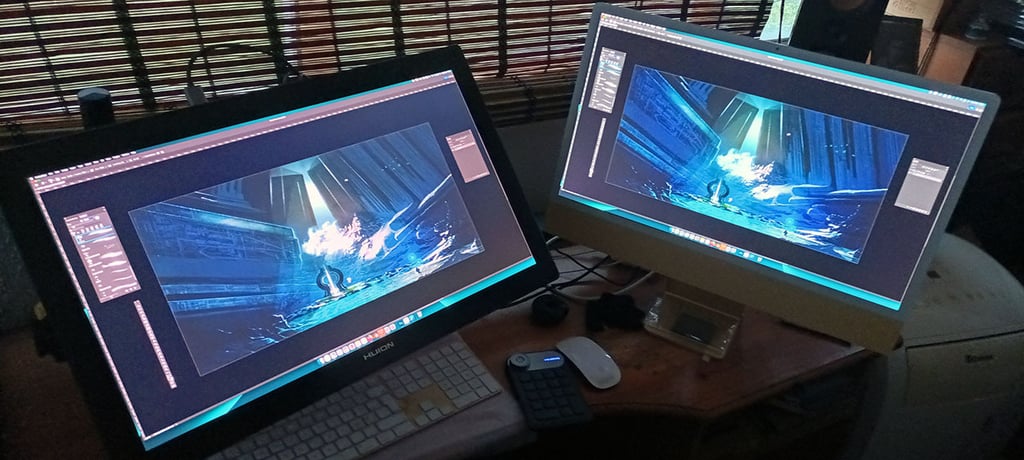
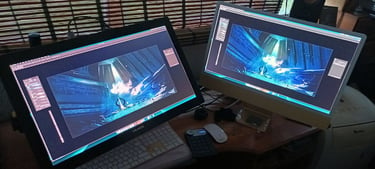
Adobe Photoshop.
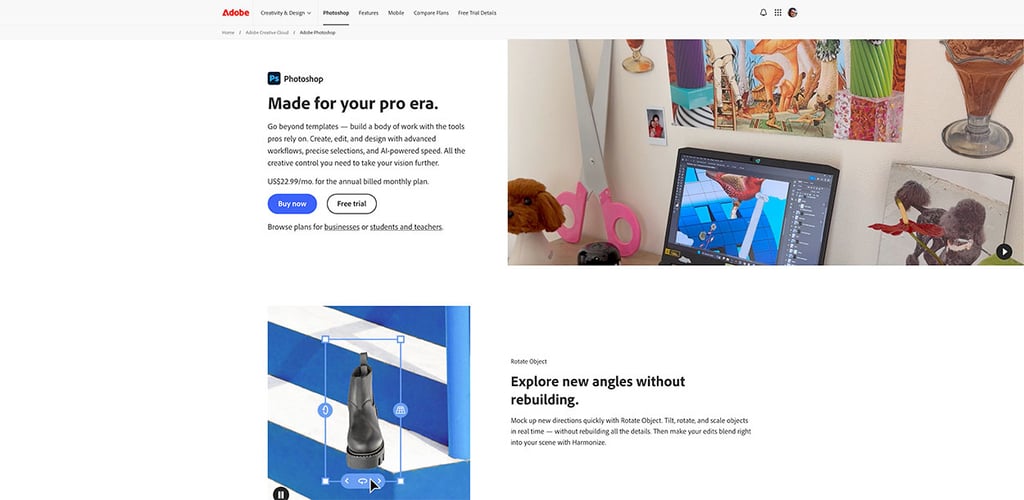
Photoshop remains one of the most common professional choices for children's book illustration, and for good reason. It is versatile, mature, and deeply capable of sketching, painting, texture work, and final art production. If an illustrator creates painterly scenes, layered environments, or richly lit fantasy imagery, Photoshop still earns its place.
Personally, I use it more for concept art paintings. That is where Photoshop is great, because it allows me to paint and use all sorts of blending textures, photobashing techniques, and colour correction in one go.
Its biggest strength is freedom. You can work loosely or under tight control. Custom brushes, blending modes, masks, and adjustment layers make it excellent for building depth and atmosphere. For artists creating covers and interior spreads with a cinematic feel, Photoshop can handle a great deal. Most of my book cover art is done in Photoshop, using a mix of painting brushes and layer effects.
The trade-off is that it is not always the most intuitive tool for beginners (trust me on this), and the subscription model is not for everyone. It also includes far more features than many children's book artists actually need. Still, in a professional pipeline, especially one involving print prep and collaboration, Photoshop is often the safest all-around choice.
Procreate.
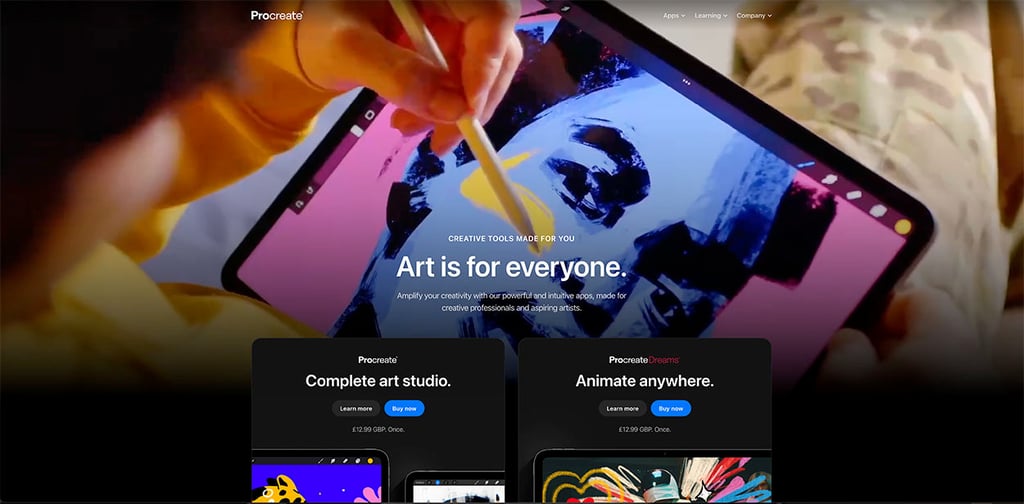
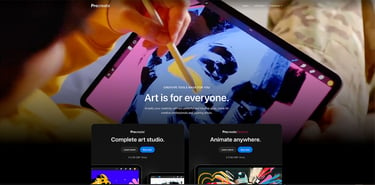
Procreate has become a favourite for illustrators who value speed, directness, and a natural drawing experience. It´s also one of my favourites.
On an iPad, it feels immediate. That matters when you are sketching expressive children, playful animals, or spontaneous visual ideas that need energy more than technical ceremony. It´s also great for comics and graphic novel-type artwork. And you can draw anywhere, because you can take your iPad with you.
Its interface is approachable, making it especially attractive to newer illustrators and author-illustrators. The brushes are strong, the time-lapse feature is useful for process sharing (watch my Making Of Videos), and, as I mentioned, the portability is hard to beat. You can thumbnail in a coffee shop, revise on the couch, and paint almost anywhere.
Where Procreate becomes less ideal is in heavier production management. For large book projects, file organisation, advanced colour workflows, and cross-software handoff can feel more limited than in desktop-based systems. It is brilliant for creation, but depending on the project, you may still need another tool for final layout or print prep. That's why, no matter what software I use to paint, I will always go back to Photoshop to finish each image, tweak colours, etc.
Clip Studio Paint.
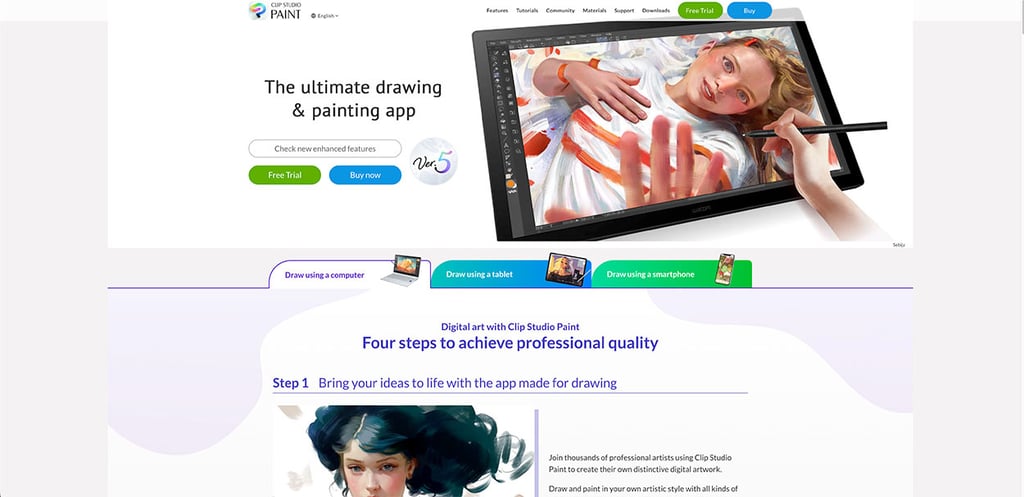
Clip Studio Paint is often associated with comics, but it deserves serious attention in children's publishing. It offers excellent line control, brush responsiveness, and page management tools. If your illustration style leans toward clean drawing, graphic storytelling, or a blend of line art and painterly finishes, it can be a very smart choice.
One of its strengths is precision. Artists who care about expressive line weight, repeatable character drawing, and organised multipage workflows often find it more comfortable than Photoshop. It is also generally more affordable.
It also has some super cool 3D character models that you can take, place, and then trace the composition.
Its weakness is perception. Some authors looking for soft, storybook art may overlook it because of its comic roots. That would be a mistake. In skilled hands, Clip Studio Paint can produce warm, polished, highly publishable children's book imagery.
I use it a lot for children´s books myself when I´m working on a desktop.
I use Procreate when I´m not at my home studio.
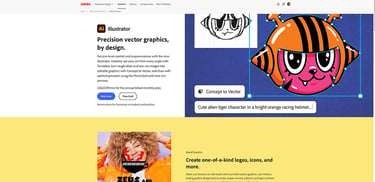
Adobe Illustrator.
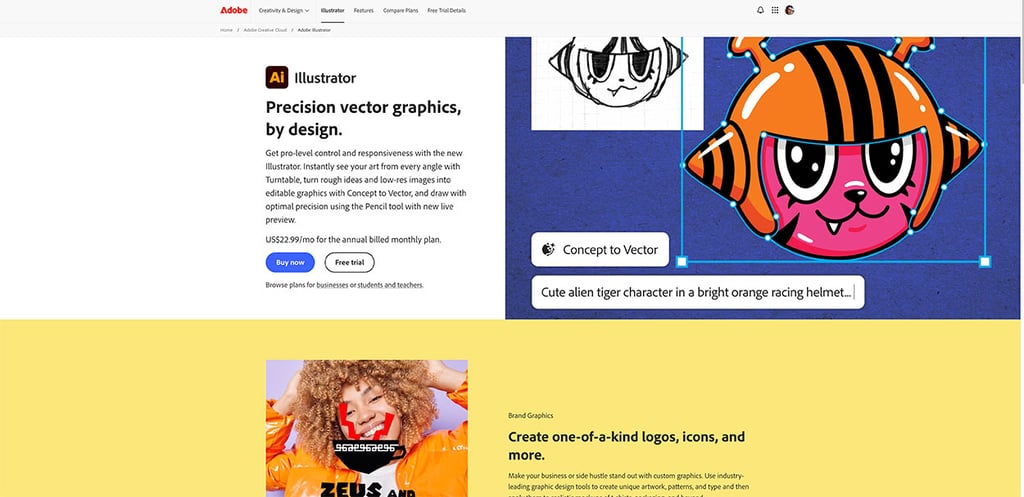
Adobe Illustrator is not usually the first tool people imagine for children's books, but for certain styles, it is exactly right. If the artwork depends on crisp vector shapes, bold flat colour, scalable assets, or educational publishing consistency, Illustrator can be extremely effective.
This is particularly useful for board books, activity books, early learning products, and design-forward children's titles. Vector art stays sharp at any size, and character elements can be reused efficiently across pages.
The trade-off is emotional texture. Illustrator can feel less organic than painting software. It is possible to create warmth and charm with it, but it usually requires a deliberate stylistic approach. For lush painterly scenes, it is rarely the first choice. For clean, modern, graphic storytelling, it is excellent.
Personally, I don´t use it, because I don´t like to work on vector art. It´s too sterile for me, as it always feels like I´m building an illustration instead of just painting it. But if you are looking for a cleaner result, more like graphic-design-art than a traditional painted look, Adobe Illustrator is the obvious choice.
Art Rage.
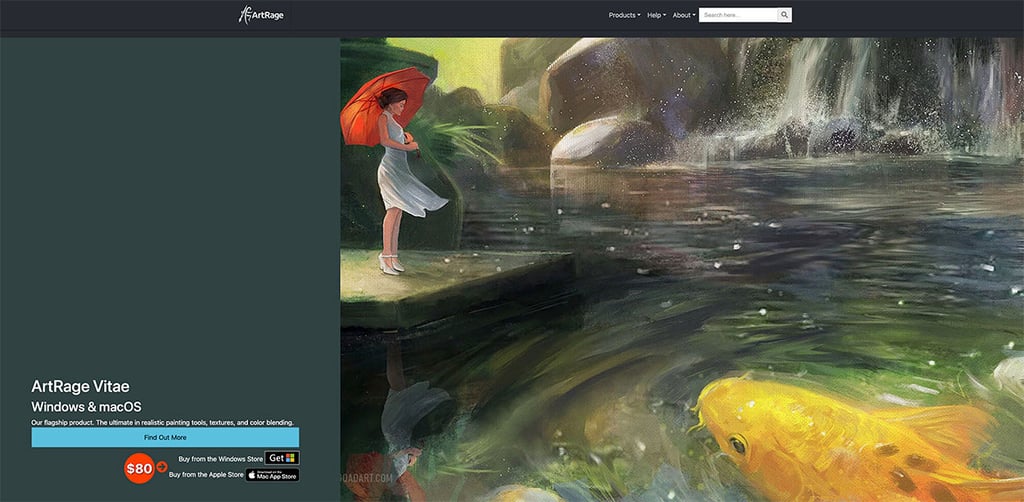
One piece of art software that I don't think gets talked about nearly enough these days is ArtRage. This was the one that made me believe that I could make it in digital illustration when I was starting from nothing and had zero knowledge of how to paint with a computer. For one simple reason to this day.
While many digital painting programs seem determined to bury you under hundreds of menus, endless settings, and enough options to require a university degree, ArtRage takes a completely different approach. It focuses on making digital painting feel natural, intuitive, and fun. The first time I opened it, I didn't feel like I needed to spend three weeks watching YouTube tutorials just to figure out how to make a brushstroke.
What I really love about ArtRage is how beginner-friendly it is. The interface is simple, clean, and easy to understand. Most of the tools behave the way you'd expect real-world art supplies to behave. Pick up an oil brush, and it feels like you're painting with oils. Grab a pencil, and it acts like a pencil. That sounds obvious, but it's surprising how many digital art programs make simple things feel unnecessarily complicated. With ArtRage, I was creating artwork almost immediately instead of digging through menus trying to find the right settings.
For anyone searching for beginner digital painting software, easy illustration software, or a simple alternative to more complex art programs, ArtRage is definitely worth a look. It doesn't try to overwhelm you with thousands of features you'll probably never use. Instead, it focuses on helping you create artwork quickly and enjoy the process. Sometimes that's exactly what new artists need. You don't always need a 500-page manual, a dozen online courses, and fifty tutorial videos before making your first painting. Sometimes you just need a program that gets out of the way and lets you draw, paint, and have fun. That's where ArtRage really shines.
The best children's book illustration software isn't just one program.
Professional illustration workflows are often hybrids. An artist might sketch in Procreate, refine in Photoshop, and assemble text and page flow elsewhere. Another may draw in Clip Studio Paint and finish covers in Photoshop. Someone creating vector-based educational characters may rely on Illustrator for assets and another program for texture overlays.
That matters if you are commissioning work. Asking what software an illustrator uses is helpful, but asking how they move from concept to print-ready art is better. The strongest workflows are not just about tools. They are about consistency, backup habits, print awareness, and the ability to revise without damaging the artwork.
At ICreateWorlds, that production mindset is part of what separates hobby-level image making from professional visual storytelling. A beautiful illustration is only half the job. The other half is delivering a world that functions across the entire book.
How authors and publishers should evaluate illustration software.
If you are not the artist looking to hire an illustrator like me at ICreateWorlds, you do not need to become a software expert.
Look at the illustrator's portfolio first. If the work feels emotionally right for your manuscript, the software matters less than the result. A seasoned artist can create wonderful work in several programs. Weak artists will not be rescued by expensive tools.
Then ask practical questions. Can they deliver print-ready files at the correct size and resolution? Are they comfortable managing full spreads, cover design needs, and revision rounds? Do their colours reproduce well in print, not just on bright digital screens? These questions get to the heart of professional readiness.
It is also wise to consider a style match. Painterly fantasy scenes, whimsical animal stories, bold educational graphics, and retro-inspired adventure books may all call for different strengths in software. The best choice depends on the visual language your book needs.
A simple way to choose the right tool.
If you are an illustrator starting out, Photoshop is the strongest all-purpose professional option; Art Rage and Procreate are the easiest way to begin creating quickly; Clip Studio Paint is excellent for draftsmanship and narrative structure (but you need to adapt to it), and Illustrator is the clear fit for vector-driven styles (which is not my thing at all).
If you are an author hiring an illustrator, focus less on whether the artist uses the "right" software and more on whether his workflow produces convincing characters, polished page art, and dependable publishing files. Software should support imagination, not overshadow it.
The real test is simple. Can the tool help turn a manuscript into a visual world that children want to return to? That is the question worth asking, because the right software is never just a digital canvas. It is part of how a story learns to breathe.
And at least for now, that is what a non-AI human artist can still truly do for you.