Best free painting software for beginners
Free illustration software: Krita, MediBang Paint & Inkscape for digital art, drawing, vector design & beginners. Best free painting software and Photoshop alternatives for digital painting, comics & illustration.
BEST CHILDREN'S BOOK ILLUSTRATION SOFTWARECHILDREN'S BOOK ILLUSTRATION PORTFOLIOBEST FREE PAINTING SOFTWARE
By Alcaminhante
6/1/20266 min read
This article should be really simple for me to write right now because, in my opinion, if you are looking for free painting software, you only need to download Krita and master it. Everything else is secondary when it comes to free painting software.
Any artist can render professional illustrations with this free painting software, and free does not mean it´s an amateur painting program. On the contrary.
It´s available for Windows and Mac, and it runs smoothly no matter where you choose to use it.
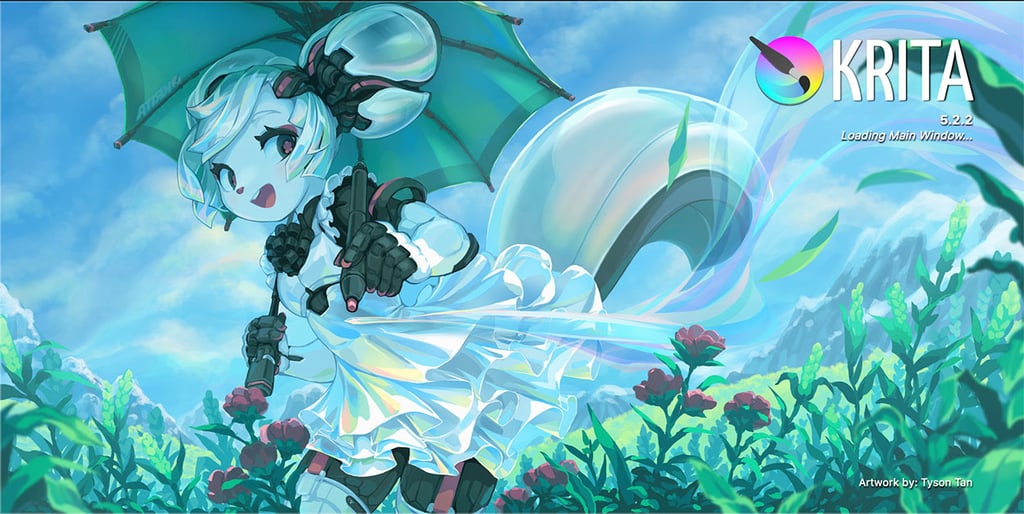
KRITA
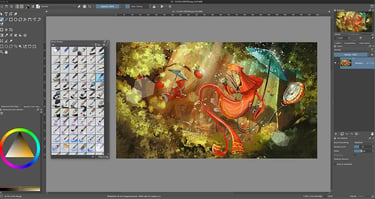
Krita is honestly one of the first free painting programs I always recommend to someone who’s just getting into digital illustration. It´s that good, and it´s almost unbelievable that it remains a free tool.
If you’re a beginner looking for a free alternative to paid software like Photoshop or Procreate, Krita is one of those rare tools that feel both professional and approachable. You don’t need to spend money, and you definitely don’t need to feel like you’re “behind” because you’re using free software. It’s used by real illustrators, concept artists, and even comic creators, so you’re starting in a very solid place.
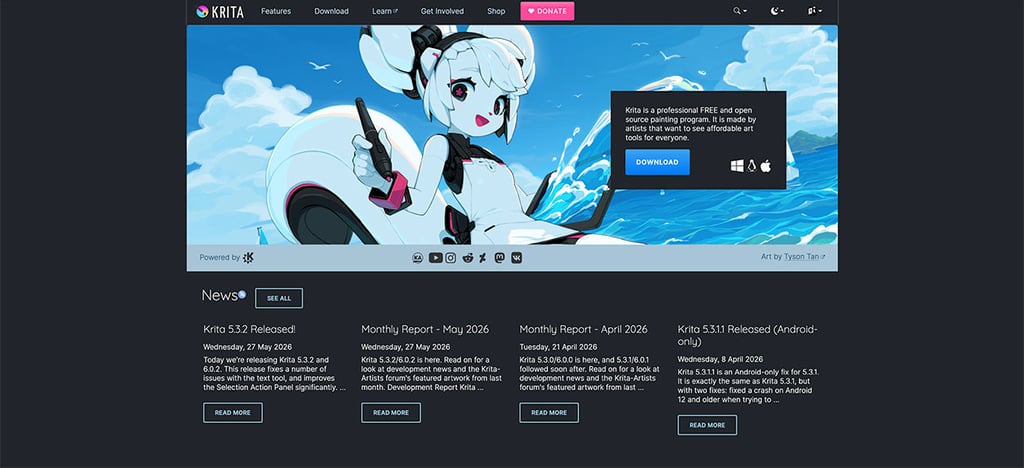
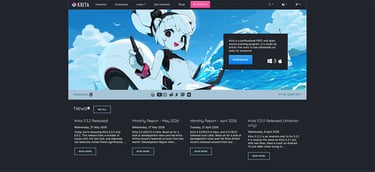
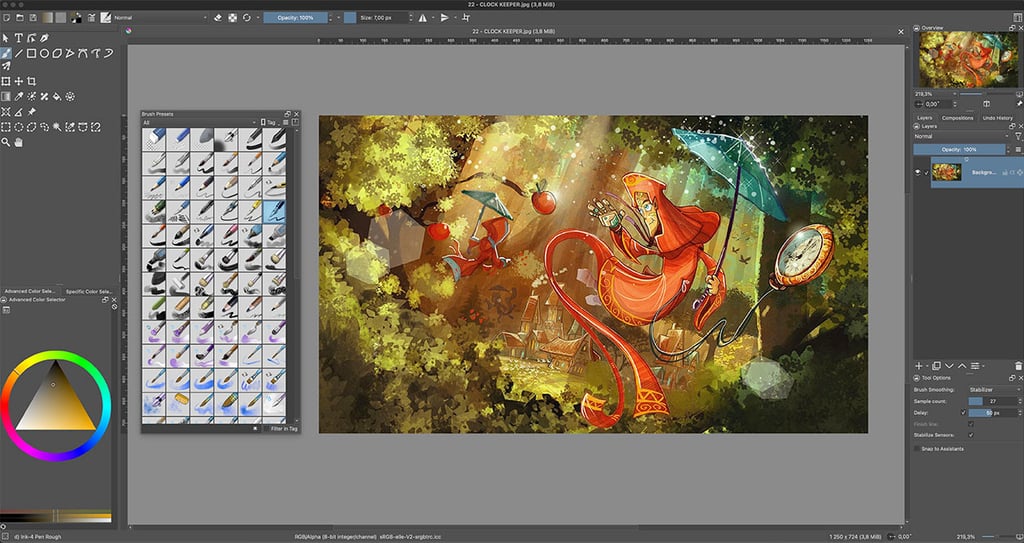
What makes Krita so good for beginners is how naturally it feels when you start using it. The brush engine is one of the best out there, even compared to paid programs, and it responds in a very organic way—like real paint, pencils, and inks. So if you’re searching for things like free digital painting software, best drawing app for beginners, or Photoshop alternative for artists, Krita is usually at the top of those lists for a reason. You can literally open it, pick a brush, and start painting without needing to watch hours of tutorials just to understand the basics.
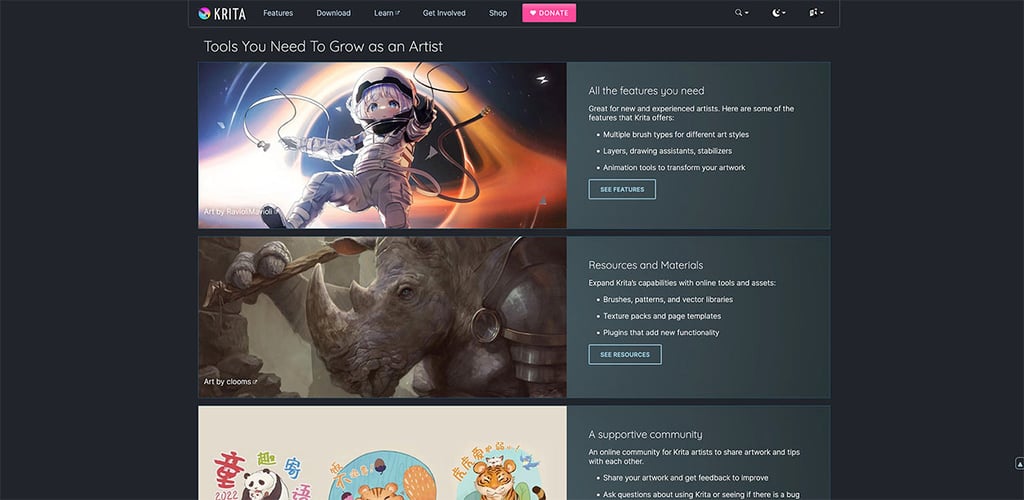
Another thing I really like is that Krita doesn’t overwhelm you right away. Yes, it has advanced features like layer management, blending modes, stabilisers for line art, animation tools, and even comic panel support, but you don’t need to touch any of that on day one. You can grow into it at your own pace. That’s important for beginners because a lot of software scares people off with too many options too soon. With Krita, you can start with the basics and gradually discover more tools as your skills improve.
Overall, I’d say Krita is perfect if you’re a beginner artist who wants to learn digital painting without paying for expensive subscriptions or dealing with overly complicated interfaces. It hits that sweet spot where it’s powerful enough for professional work but still friendly enough for someone just starting out. If you’re looking for free illustration software, digital art programs for beginners, or a long-term painting tool you won’t outgrow, Krita is easily one of the best choices.
MediBang Palleta - iPad
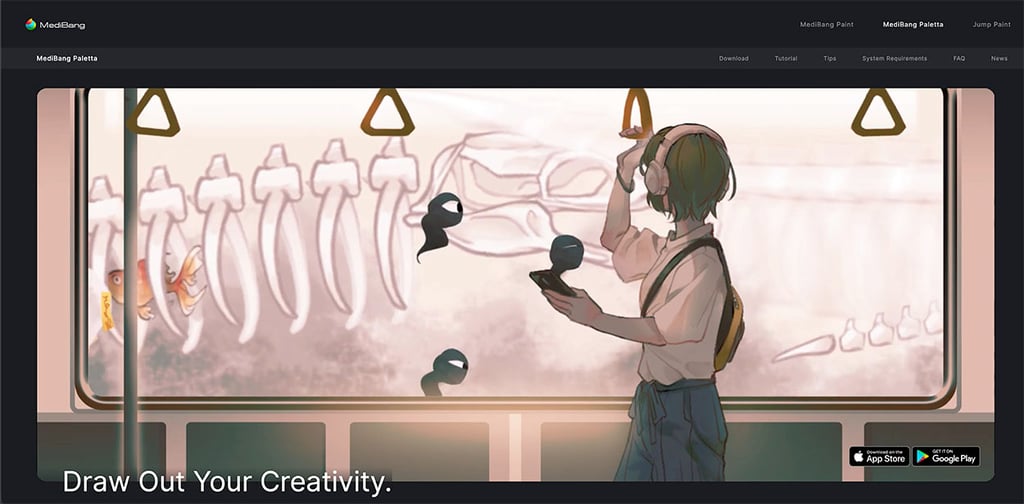
Another one I really like recommending is MediBang Palleta.
This one is essentially a Procreate Clone as both work in a similar way. So similar that sometimes I forget that I´m not using Procreate, but I´m actually painting with MediBang Paletta instead.
If you visit their site at https://medibangpaint.com/en/, you will notice they also have a product called MediBang Paint. That one is more dedicated to drawing than to painting, so the name can be confusing.
MediBang Paletta is the one to get, because it´s more like Procreate in every sense. It´s got great painting and drawing brushes too and works great with the Apple Pencil as well.
If you’re interested in manga, comics, webtoons, or children’s book illustration, this is a fantastic place to start if you don´t want to buy the more expensive ProCreate for your iPad.
What I love about MediBang is that, like iProCreate, it doesn’t bury you under a mountain of complicated menus the second you launch it. It’s lightweight, runs well even on older computers, and includes excellent inking tools, cloud saving, comic panel templates, and tons of brushes. If you’ve been searching for free manga drawing software, comic creation software, best drawing apps for beginners, or free illustration tools, MediBang is definitely worth checking out. It feels approachable and fun, which is exactly what many new artists need when learning digital illustration.
Both MediBang Paint and MediBang Paletta can be free, but if you purchase any of them, it costs about $6 to $9 each at this point, and it´s a pretty good alternative to ProCreate. Don´t bother with Paint, go with Paletta if you decide to get this for your iPad.
You can use them for free, but MediBang Paint in particular is a real nightmare when it comes to ads. You will spend more time trying to get rid of ads than focusing on any creative thing.
MediBang Palleta, still has ads but it´s not much of a problem as they tend to run every 30 minutes. The problem with the free version is that it offers only 120 hours of use, after which you will need to purchase it or subscribe.
Overall, it´s a good "free" alternative to ProCreate, but if you are asking me which one to choose, definitely go with ProCreate instead.
FireAlpaca
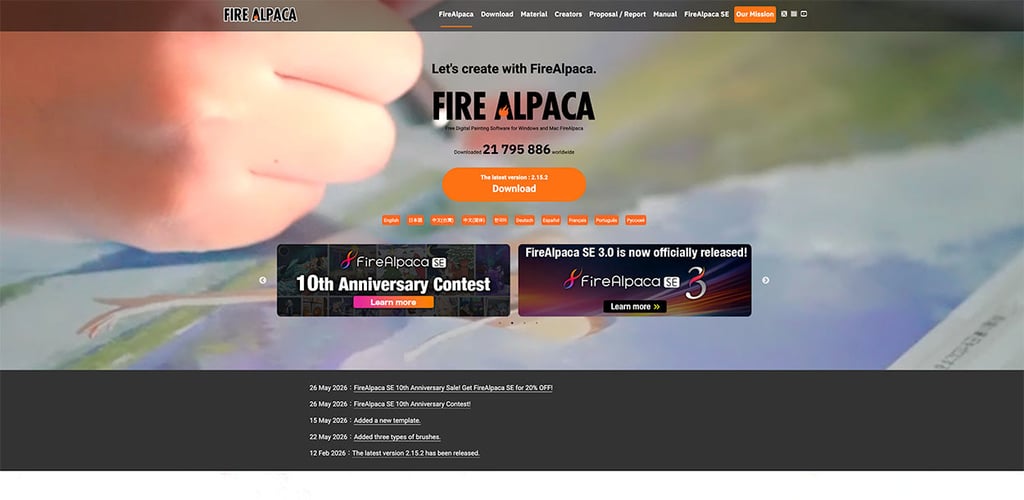
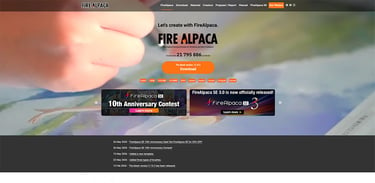
The third one I’d recommend is FireAlpaca. This is probably one of the easiest free drawing programs to learn if you’re completely new to digital art. The base version is still free, and it´s enough for newbies.
I know quite a few people who were overwhelmed by more advanced software, but FireAlpaca keeps things simple while still providing all the essential tools for sketching, character design, line art, and digital painting.
It includes customizable brushes, comic-creation features, animation tools, and it works on both Windows and Mac. If you’re searching for easy drawing software for beginners, free digital art software, the best free drawing app for PC, or digital painting software for new artists, FireAlpaca deserves a serious look.
But be aware that at first glance, this free painting software may look old, dated and ugly. Visually, it won´t amaze you, and it really looks like something from fifteen years ago, or even worse, it looks like an expanded version of the classic Windows Paint.
Don´t be discouraged. Behind that dated look, there´s a really cool "modern" painting software. For free.
Sometimes the best art software isn’t the one with the longest feature list — it’s the one that gets you drawing right away instead of spending hours watching tutorials trying to figure out where everything is hidden.
Inkscape.
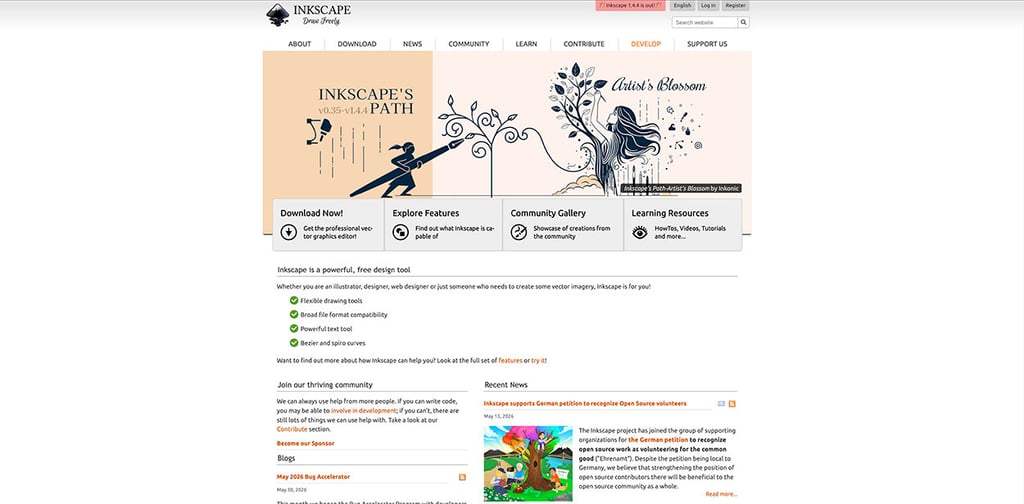
If you’re more into clean lines, design work, or vector-style illustration, Inkscape is another free tool worth knowing about: https://inkscape.org.
This one is different because it’s vector-based, so it´s like a free alternative to Adobe Illustrator, which means it’s great for logos, icons, graphic design, and scalable illustration work.
It’s often searched under terms like free vector illustration software, best Illustrator alternative free, and logo design software free. It’s a bit less “painty” than Krita or MediBang, but incredibly powerful once you get the hang of it. And again, you don’t need a massive manual to get started—you can just jump in and learn by doing.
What I like about all three of these—Krita, MediBang Paint, and Inkscape—is that they remove the excuse of “I can’t afford good software.” You really don’t need expensive subscriptions to start creating professional-looking artwork anymore. Whether you’re doing digital painting, comic creation, or vector illustration, there’s a free tool that fits your workflow. And honestly, for anyone searching best free illustration software, beginner digital art tools, or Photoshop alternatives free, these are the ones I always come back to recommending because they just work without making things complicated.